


Google Play Store update introduces search bar for Android app reviews
Published On 06 Apr, 2026
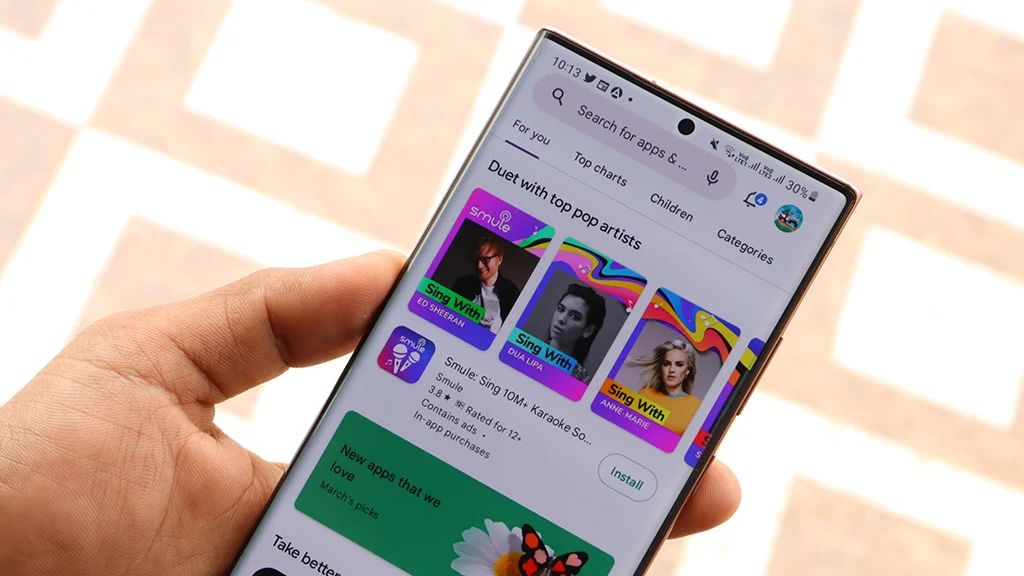
With this new search tool on the Play Store, you can look for specific information within user reviews on app listings. Although the feature was spotted in testing back in November, Google recently confirmed that it is now officially rolling out with a recent Play Store update.
To access the search function, tap the ratings at the top of any app, then select “See all reviews.” Alternatively, scroll down to the Reviews and ratings section, where you will see a magnifying lens icon below the AI-generated reviews summary. Tapping it moves the review section to the top of the screen, revealing a search bar.
When you type a few words into the search bar and tap the search icon on the keyboard, reviews containing those terms will be displayed.
Currently, reviews do not populate as you type, and the feature only searches for exact matches to your queries. For now, you can use the suggestions under the search bar for common issues.
Another limitation is that it won’t display results if you enter a single word, meaning you need to type two or more words to obtain results.
Search in Google Play Store reviews is arriving for all users with version 50.7.24-31 of the Play Store. If you don’t see it, you can update the Store by tapping your profile picture on the homepage, scrolling down, and tapping Settings > About > Update Play Store.