


How to Check Your NADRA Application Status Online
Published On 20 Aug, 2026
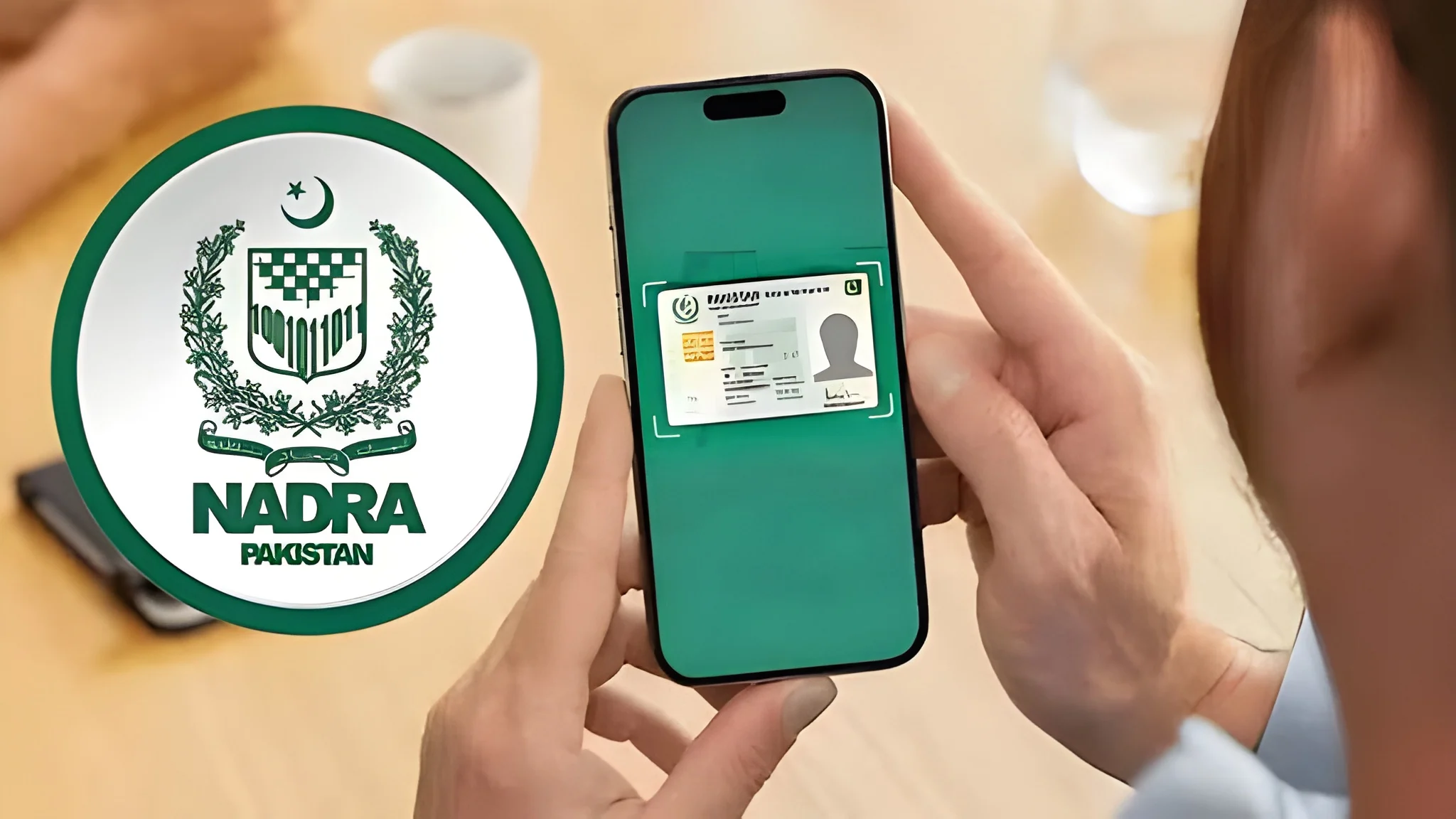
According to a post issued by NADRA, applicants who wish to check the status of their application can log in to the PakID mobile app.
After logging in, select the “Tracking” option and enter the Tracking ID and PIN code provided on the application slip to view the current status of the application.
Alternatively, applicants can check their application status by sending the Tracking ID via SMS to 8400 or by calling 1777.
The NADRA has also previously advised citizens to collect their identity cards promptly after they are issued.
Under NADRA’s policy, if an identity card is not collected, it is destroyed three months after the final delivery date.
Citizens who fail to collect their identity cards within the specified period will have to submit a new application and pay the applicable fee to have the card reissued.